
PPC doesn’t fix listings. It exposes them.
Mudassir Fayyaz, Founder, Tabaruk Commerce
Amazon A+ Content is the section below your bullet points where brand-registered sellers can add images, comparison charts and richer product detail. For many shoppers, it’s the last thing they read before they decide.
That’s why it matters how you use it. Most A+ Content is built as decoration: lifestyle photos, a logo banner, a few feature icons that repeat the bullets. It looks professional. It rarely changes the decision.
A+ Content that converts works differently. It answers the questions and objections that stop a shopper from buying. This guide shows how to build it that way, and how to stay inside Amazon’s rules while you do.
Key takeaways
- A+ Content is a conversion tool, not a branding space. Its job is to remove the reasons shoppers don’t buy.
- Start from objections: reviews, questions and returns tell you what shoppers are unsure about.
- Each module should answer one question clearly, in an image that works on a phone.
- Prices, promotions, reviews, guarantees and competitor comparisons aren’t allowed.
- Test A+ versions with Manage Your Experiments instead of relying on opinion.
What Amazon A+ Content is (and who can use it)
A+ Content is available to brand owners enrolled in Amazon Brand Registry. It replaces the plain product description with modules: image and text blocks, comparison charts, and other layouts you choose in Seller Central’s A+ Content Manager.
There are a few levels:
- Basic A+ Content: the standard set of modules most brands use.
- Brand Story: a scrolling brand section that can appear across your catalog and help shoppers discover your other products.
- Premium A+ Content: larger, more interactive modules. Access depends on criteria Amazon sets, such as having Brand Story published across your products and a track record of approved A+ projects. Check the current requirements in Seller Central, because they change.
The level matters less than the thinking behind it. A Basic A+ page that answers the right questions will outperform a Premium page that only looks good.
Why most A+ Content doesn’t convert
A better-looking image isn’t necessarily a better-selling image. The real test is whether it removes a buying objection.
Most A+ Content fails that test in one of three ways:
- It repeats the bullets. The same five features, now with icons. The shopper already read them. Nothing new gets resolved.
- It talks about the brand instead of the buyer. Mission statements and founder stories have their place in Brand Story. In the modules closest to the buying decision, shoppers want answers about the product.
- It’s designed for a desktop monitor. Small text inside images becomes unreadable on a phone, which is where much of the browsing happens.
When A+ Content doesn’t lift conversion, the design usually isn’t the problem. It’s evidence that nobody asked what the shopper still needed to know.
Start from objections, not features
Before any design work, list the reasons a shopper might hesitate. You already have the data:
- Customer reviews, yours and your competitors’, especially the 2- and 3-star ones. They show what disappointed people or surprised them.
- Customer questions on your listing and on competitor listings. Every repeated question is a gap in the page.
- Return reasons in Seller Central. “Too small”, “not as described” and “didn’t fit” point straight at missing information.
- Your own conversion data. If sessions are healthy but the conversion rate is weak, the page isn’t resolving something.
Group what you find into a short list of objections: size and fit, compatibility, what’s included, how to use it, how it compares with your other variations, quality and durability. Those become the plan for your modules.
How to build A+ Content that converts
1. Give every module one job
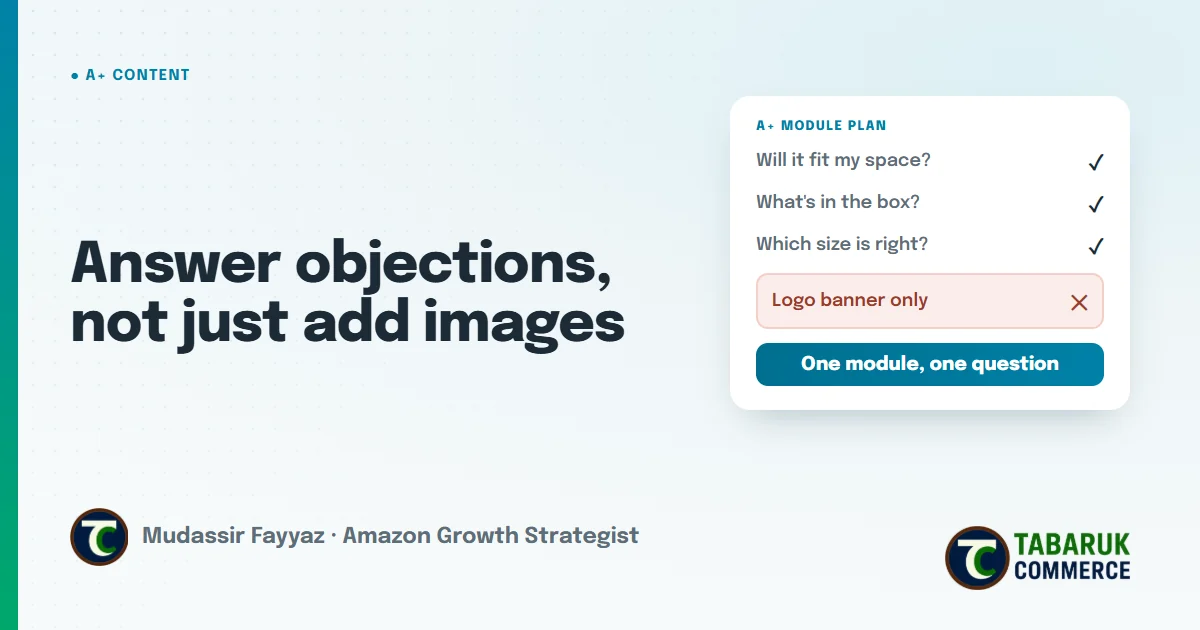
Each module should answer one question. “Will it fit my space?” gets a clear dimensions image with a familiar reference object. “What’s in the box?” gets a flat-lay of every included item. If a module tries to answer three things, it usually answers none of them well.
2. Put the biggest objection first
Shoppers scroll quickly. The first module should address the most common reason people don’t buy, not the brand logo. Save the brand message for Brand Story or lower modules.
3. Show, then tell
A photo of the product in use explains more than a paragraph. Use the text for what the image can’t show: materials, care, compatibility, or the reason a feature matters.
4. Design for the phone
Keep text inside images large and short. Check every module on a phone screen before you submit it. If you have to zoom to read it, most shoppers won’t.
5. Use a comparison chart for your own range
If you sell several related products or variations, a comparison chart helps shoppers pick the right one instead of leaving to think about it. Compare your own products only. Comparing with competitors isn’t allowed.
6. Write alt text for every image
Each A+ image has an alt text field. Describe what the image shows in plain words. It helps accessibility, and clear, descriptive content helps Amazon understand your product.
What isn’t allowed in A+ Content
A+ Content is reviewed before it goes live, and rejections usually come from the same few rules. Keep these out:
- Pricing and promotions: prices, discounts, “free”, “bonus”, “affordable” or anything that refers to a deal.
- Calls to buy: phrases like “buy now”, “add to cart” or “shop with us”.
- Customer reviews and quotes from reviews.
- Warranty and guarantee claims.
- Competitor comparisons, whether a competitor is named or described as “other brands”.
- Contact details: email addresses, phone numbers or website links.
Some categories also restrict health, medical or performance claims. When in doubt, describe what the product is and does, and leave out promises about results.
The same goes for your A+ FAQ module, because Rufus reads it. I explain how to score every shopper question as Covered, Gap or Compliance in the Rufus-ready listing playbook.
Test it instead of guessing
Once your A+ Content is live, don’t judge it by whether the team likes it. Brand-registered sellers can use Manage Your Experiments to test two versions of A+ Content against each other and see which one performs better with real shoppers.
Test one idea at a time: a different first module, a new comparison chart, a clearer dimensions image. If you change everything at once, you won’t know what made the difference. Keep a simple log of what you changed and when, tied to sessions and conversion rate. A listing-change log tied to traffic and conversion turns opinions into decisions.
A+ Content also works together with the rest of the listing. If your main image doesn’t win the click, shoppers never reach the A+ section. Our guide to compliant Amazon main image hacks covers that first step, and why most brands have a conversion problem disguised as a traffic problem explains why this order matters.
Amazon A+ Content FAQs
Who can create Amazon A+ Content?
Brand owners enrolled in Amazon Brand Registry can create A+ Content for their brand’s products in Seller Central’s A+ Content Manager.
What’s the difference between A+ Content and Premium A+ Content?
Premium A+ Content offers larger and more interactive modules. Access depends on criteria Amazon sets, such as having Brand Story published across your products and a history of approved A+ projects.
Can I include prices or discounts in A+ Content?
No. Prices, promotions, discount language and calls to buy aren’t allowed in A+ Content.
Can I compare my product with competitors in A+ Content?
No. Comparisons with competitors aren’t allowed, even if they’re not named. You can compare products within your own brand using a comparison chart.
Why was my A+ Content rejected?
Common reasons include pricing or promotional language, customer reviews, guarantee claims, competitor comparisons, contact details, or text in images that’s hard to read.
How do I test my A+ Content?
Brand-registered sellers can use Manage Your Experiments in Seller Central to test two versions of A+ Content and see which performs better.
Want A+ Content built around your shoppers’ objections?
Our Amazon creative services plan A+ Content, Brand Story and gallery images from buyer research, then test them with real shopper data. If you’d like to know where your listing is losing buyers, request a free Amazon account audit.

Mudassir Fayyaz is the founder of Tabaruk Commerce and an Amazon growth strategist. He manages 1P and 3P Amazon accounts across the US, Canada, UK, Germany, UAE, and Australia, with a focus on turning ad spend into net profit. Connect on LinkedIn.