
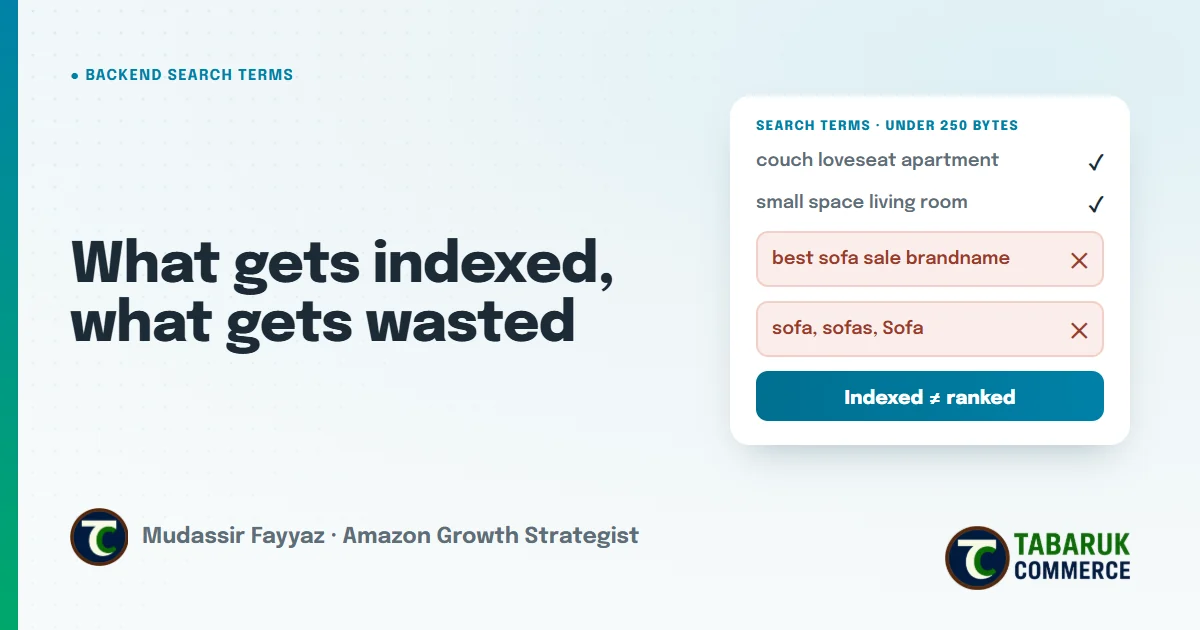
Search volume measures opportunity size. It doesn’t measure opportunity quality.
Mudassir Fayyaz, Founder, Tabaruk Commerce
Amazon backend search terms are the keywords shoppers never see. They sit in a single field in Seller Central, and they tell Amazon which searches your product should be eligible to show up for.
Most sellers treat that field as a place to dump every keyword their research tool returns. That’s usually where the waste starts. A backend field full of repeated words, competitor brands and filler doesn’t add reach. At best it’s ignored. At worst it’s the reason the whole field doesn’t count.
This guide covers what the backend search terms field actually does, what gets indexed, what gets wasted, and how to decide what deserves the space.
Key takeaways
- Backend search terms help your product become eligible for searches your title and bullets don’t already cover.
- The field has a byte limit, not a character limit. Go over it and Amazon may not index the field at all.
- Repeating words from your title and bullets wastes space. So do plurals, filler words and punctuation.
- Brand names, ASINs, “best” or “on sale” don’t belong in the field and can put the listing at risk.
- Being indexed isn’t the same as ranking. Check indexing first, then judge relevance and conversion.
What Amazon backend search terms actually do
When a shopper searches, Amazon first decides which products are eligible to appear, then decides the order. Backend search terms work on the first part. They help your product get indexed for a keyword, which means it’s allowed into the results for that search.
They don’t decide where you rank. Ranking depends on how relevant Amazon thinks your product is and how well it converts for that search. A keyword that only lives in the backend field can get you into the results, but it rarely carries you to the first page on its own. That’s the job of your title, bullets, conversion rate and sales history.
So the useful question isn’t “how many keywords can I fit?” It’s “which relevant searches am I not eligible for yet, and does this field close that gap?”
The rules: what the field allows
Amazon’s guidance for the search terms field is short, and most of the waste comes from ignoring it:
- A byte limit. In most marketplaces the field must stay under 250 bytes. Standard English letters and spaces use one byte each, but accented and special characters use more, which matters in German, French and other European marketplaces.
- Over the limit can mean nothing counts. Amazon doesn’t simply cut the extra words off the end. If the field is too long, it may not be indexed at all.
- No brand names. Not yours, and not your competitors’.
- No ASINs.
- No temporary or subjective claims. Words like “new”, “on sale”, “best”, “cheapest” or “amazing” aren’t allowed.
- No offensive or abusive terms.
Breaking these rules isn’t a small formatting issue. Prohibited terms can lead to the listing being suppressed or to action on the account, which is a much bigger problem than a missing keyword.
What gets wasted in the backend field
Here’s where most backend fields lose their value. None of these break the rules, but all of them use space that could have done real work.
Words already in your title and bullets
If a word is already in your visible listing, repeating it in the backend adds nothing. Amazon doesn’t reward repetition. Every repeated word is space you could have used for a search you’re not covering yet.
Plurals, capital letters and duplicates
You don’t need both the singular and the plural of a word, and you don’t need the same word in different capitalization. Pick one form. Write the field in lowercase and don’t repeat any word.
Punctuation and filler words
Commas, semicolons and dashes aren’t needed. Separate words with a single space. Filler words like “a”, “an”, “and”, “the”, “for” and “with” take space without adding meaning.
Irrelevant keywords
This is the expensive one. Adding a high-volume keyword that doesn’t describe your product can get you indexed for a search where you’ll never convert. Search volume measures how big an opportunity is. It doesn’t tell you whether the opportunity is yours. A shopper who clicks and doesn’t buy costs you twice: once in wasted ad spend, and again in the weaker conversion signal Amazon sees.
What deserves the space
If the title and bullets carry your most important keywords, the backend field is for the rest: relevant searches the visible listing can’t hold without becoming unreadable.
- Synonyms shoppers use for the same product. Think “sofa” and “couch”.
- Alternate names and regional terms, especially if you sell in more than one English-speaking marketplace.
- Use cases and occasions the product genuinely fits.
- Audience terms where they’re accurate and allowed.
- Related descriptive terms from real search data that didn’t make it into the title.
The best source for these is data, not guesswork. Brand Analytics and Search Query Performance show which searches actually lead to clicks and purchases in your category. Keyword tools show what competitors are indexed and ranking for. Your own search term reports from PPC show which searches already convert for you. If a relevant, converting search isn’t in your visible listing, it’s a strong candidate for the backend field.
How to write the field, step by step
- Start from your visible listing. List every word already in your title and bullets. None of those go in the backend.
- Collect relevant searches from Brand Analytics, Search Query Performance, your PPC search term reports and keyword research tools.
- Filter for relevance and intent. Keep only terms a shopper would use to find exactly this product. Drop anything that describes a different product, even if it has big volume.
- Break phrases into unique words. Amazon can combine words across your listing, so you don’t need full phrases or repeated words.
- Remove what’s wasted: duplicates, plurals, filler words, punctuation, brands, ASINs and subjective claims.
- Check the byte count, not the character count, especially for non-English marketplaces.
- Save, then verify indexing a few days later.
Indexed isn’t the same as ranking
After you update the field, check whether your product is actually indexed for the new terms. You can do this with an index-checking tool, or by searching Amazon for the keyword together with your ASIN and seeing whether your product appears.
If a term isn’t indexed, the cause is usually one of three things: the field is over the byte limit, the term breaks a rule, or the change hasn’t been processed yet. If it’s indexed but you don’t rank, that isn’t a backend problem. It’s evidence that relevance or conversion is weaker than competitors’ for that search, and the fix lives in your title, images, price or reviews, not in more backend keywords.
This is the order that keeps the work honest. Eligibility first, then relevance, then conversion. Adding keywords to a listing that doesn’t convert just makes it eligible for more searches it will lose.
How backend search terms fit into your wider Amazon SEO
The backend field is one part of a system. Your title, bullets, product attributes and A+ Content all help Amazon, and its AI shopping features, understand what your product is and who it’s for. We cover the full picture in our Amazon SEO guide, including how to prioritize keywords by intent and conversion instead of volume.
Treat the backend field as a place to close specific, relevant gaps. Review it when your keyword data changes, when you add a new marketplace, or when you rewrite your title, because every change to the visible listing changes what the backend should hold.
Backend terms are the last step of a listing rewrite. The full sequence, from SQP to title, Item Highlights and bullets, is in my Amazon listing optimization playbook.
Amazon backend search terms FAQs
How many bytes can Amazon backend search terms have?
In most marketplaces the search terms field must stay under 250 bytes. Standard English letters and spaces are one byte each, while accented and special characters use more. Check the current limit for your marketplace and category in Seller Central.
What happens if my backend search terms are too long?
Amazon may not index the field at all. It doesn’t simply ignore the extra words at the end, so going over the limit can mean none of your backend keywords count.
Should I repeat keywords from my title in the backend?
No. Words already in your title and bullets are already indexed. Repeating them wastes space you could use for relevant searches you don’t cover yet.
Can I use competitor brand names in backend search terms?
No. Brand names, including your own and your competitors’, aren’t allowed in the search terms field. Using them can put the listing at risk.
Do I need commas between backend keywords?
No. Separate words with a single space. Punctuation isn’t needed and only uses space.
How do I check if my product is indexed for a keyword?
Use a keyword index checker, or search Amazon for the keyword together with your ASIN and see whether your product appears in the results.
Want to know which searches you’re missing?
Our Amazon SEO services cover keyword research, indexing checks, backend search terms and rank tracking, built on Brand Analytics and Search Query Performance data. If you’d like to see where your listings are losing visibility, request a free Amazon account audit.

Mudassir Fayyaz is the founder of Tabaruk Commerce and an Amazon growth strategist. He manages 1P and 3P Amazon accounts across the US, Canada, UK, Germany, UAE, and Australia, with a focus on turning ad spend into net profit. Connect on LinkedIn.