
Automation scales consistency. It also scales bad decisions with the same consistency.
Mudassir Fayyaz, Founder, Tabaruk Commerce
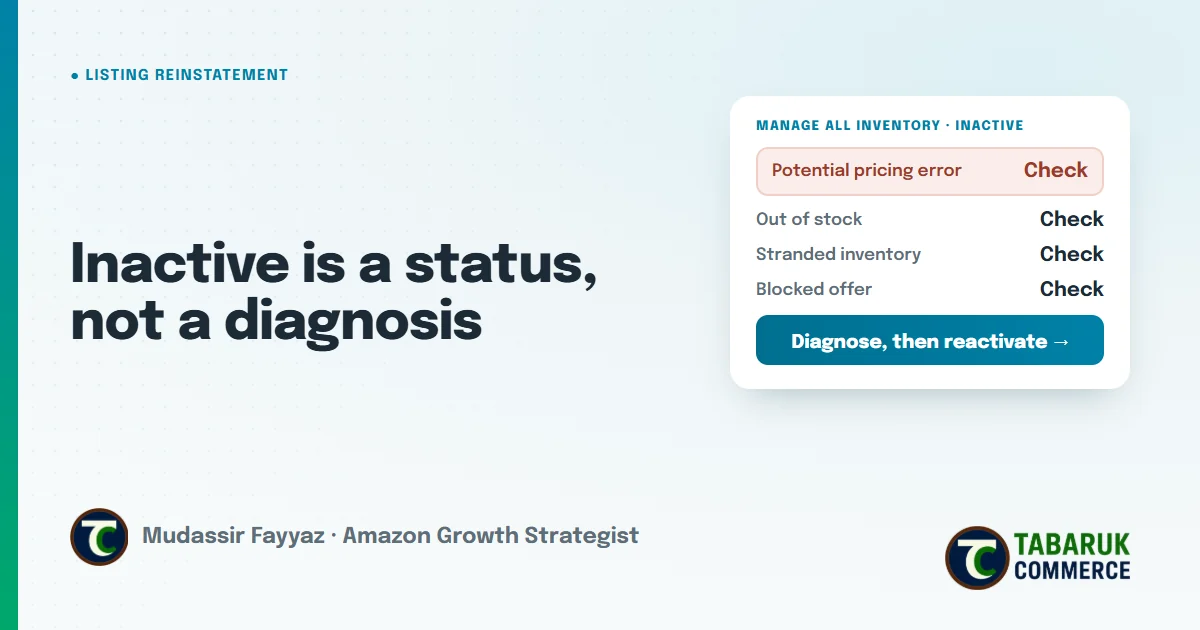
An Amazon listing inactive status tells you one thing: the offer can’t be bought right now. It doesn’t tell you why. And the reason matters, because “inactive” covers very different problems, from a simple out-of-stock to a pricing-error flag, a blocked offer, or inventory sitting in a warehouse with no listing attached.
That’s why the fastest fix is rarely the first thing you try. Reactivating an offer without knowing what switched it off usually means it switches off again. Meanwhile, the product loses sales, sales history and, eventually, rank.
This guide walks through the most common reasons a listing goes inactive or blocked, how to tell them apart, and how to fix each one properly.
Key takeaways
- “Inactive” is a status, not a diagnosis. Find the reason before changing anything.
- Out of stock, pricing errors, stranded inventory and blocked offers each need a different fix.
- Pricing-error deactivations are often caused by your own minimum and maximum price settings or a repricer.
- Stranded inventory means units are at Amazon but can’t sell. It costs storage while earning nothing.
- Blocked or policy-related listings may need documents or an appeal, not just an edit.
What does “inactive” mean on an Amazon listing?
An inactive listing is an offer that exists in your catalog but isn’t currently available to buy. Amazon usually shows the reason next to the status in Manage All Inventory, and affected listings also appear in the tools for search suppressed and inactive listings.
Start there, but don’t stop there. The status line tells you which category the problem falls into. The data behind the listing tells you what actually happened.
Inactive is also different from search suppressed. A search suppressed listing can’t be found in search. An inactive listing can’t be purchased at all. Both need a diagnosis first, and both are handled in our listing reinstatement work.
The most common reasons a listing goes inactive
1. Out of stock
The simplest cause. The listing is fine, but there are no units available. For FBA sellers, this often means inventory is inbound but not yet received, or it’s been reserved or moved.
The fix isn’t in the listing. It’s in inventory planning. A winner that keeps running out of stock doesn’t need more ads, it needs a purchase order placed earlier. That’s the core of our inventory and supply chain strategy work: reorder points, safety stock and lead times planned so this status never appears.
2. Potential pricing error
Amazon deactivates offers when a price looks unusually high or low compared with what it expects. The most common reasons are:
- Your own minimum and maximum price settings. If a price falls outside the range you set for a SKU, the offer is deactivated.
- A repricer or automation rule that pushed the price somewhere you didn’t intend.
- A genuine typo in a price update or flat file.
- A deliberate price change that Amazon’s system still reads as a possible mistake.
To fix it, open the pricing alerts in Seller Central, confirm whether the price was intentional, correct it or adjust your minimum and maximum prices, and then reactivate. If a tool caused it, fix the rule in the tool too, or it will happen again with the next repricing cycle.
Automation scales consistency. It also scales bad decisions with the same consistency. A single wrong rule can deactivate a whole catalog overnight.
3. Stranded inventory
Stranded inventory is the opposite of out of stock: the units are at Amazon, but there’s no active offer they can sell through. It usually happens when a listing was closed, deleted, suppressed, or had a problem with its details after the stock arrived.
Stranded units still take up space and still count toward storage costs, while earning nothing. Check the stranded inventory view in Seller Central, fix or relist the offer, or create a removal order if the product shouldn’t be sold anymore. Don’t leave stranded stock unresolved, because Amazon doesn’t fix it for you.
4. Closed or incomplete offers
Sometimes the offer was closed, by you, by a team member or by a tool, and never reopened. Sometimes the offer is missing information it needs to be active, such as a condition, a quantity or a fulfillment channel. These are quick fixes, once you know that’s what happened.
5. Blocked or policy-related deactivations
A blocked listing is a different kind of problem. The offer has been stopped for a reason tied to policy: a restricted product, missing compliance or safety documentation, a category that needs approval, or a product policy concern.
These usually can’t be solved by editing the listing alone. You need to understand which policy applies, what Amazon is asking for, and whether the product can be sold at all. Then you prepare the right documents or an appeal. Guessing here is expensive. A weak or incomplete submission adds another review cycle and more time offline.
How to diagnose an inactive listing in the right order
A sales decline is a signal, not a diagnosis. The same inactive status can require completely different actions. We check in this order:
- Read the status reason in Manage All Inventory and any notices in Account Health or Performance Notifications.
- Ask what changed first. Price, stock, a listing update, a feed upload, a tool setting, a category change, a new compliance requirement.
- Check whether it’s one SKU or many. Many at once usually means one system caused it: a repricer, a template or a feed.
- Fix the cause at the source, then reactivate.
- Watch it after it goes live. Confirm the offer stays active through the next repricing cycle, the next feed upload and the next inventory update.
How to keep listings from going inactive
- Set sensible minimum and maximum prices for every SKU, and review them whenever costs or pricing strategy change.
- Audit automation rules in repricers and feed tools regularly.
- Plan inventory from lead times, not from alerts. By the time the out-of-stock warning appears, it’s usually too late.
- Monitor every SKU daily. A status change caught the same day is a small fix. The same change found a week later is lost sales and lost rank. We explain how we do this in our post on daily PDP health monitoring, which flags status, price and Buy Box changes for every SKU.
- Check stranded inventory every week, so stock never sits at Amazon without an offer.
Amazon listing inactive FAQs
Why is my Amazon listing inactive?
The most common reasons are no stock available, a potential pricing error, an offer that was closed or is missing information, or a listing blocked for a policy reason. The status in Manage All Inventory shows which one applies.
How do I fix a potential pricing error on Amazon?
Check whether the price was intentional, correct it or adjust the minimum and maximum prices for the SKU, and reactivate the offer. If a repricer set the price, fix its rules too.
What is stranded inventory on Amazon?
Stranded inventory is stock at an Amazon fulfillment center that has no active offer, so it can’t be sold. You fix it by correcting or relisting the offer, or by removing the units.
What’s the difference between an inactive and a blocked listing?
An inactive listing is often a data or stock issue you can fix yourself. A blocked listing is usually tied to a policy or compliance reason, and may need documents or an appeal.
Will an inactive listing lose its rank?
The longer a listing can’t sell, the more sales history it misses, which can weaken its organic position. That’s why fixing the cause quickly, and correctly, matters.
Need a listing back online?
We diagnose and fix inactive, blocked and pricing-error listings in our Amazon listing reinstatement service, with an honest view of what can be fixed before any work starts. For a full review of your catalog, pricing and inventory health, request a free Amazon account audit.

Mudassir Fayyaz is the founder of Tabaruk Commerce and an Amazon growth strategist. He manages 1P and 3P Amazon accounts across the US, Canada, UK, Germany, UAE, and Australia, with a focus on turning ad spend into net profit. Connect on LinkedIn.