
The value of automation isn’t fewer hours. It’s reducing the time between a signal and the right decision.
Mudassir Fayyaz, Founder, Tabaruk Commerce
Since late 2024, Amazon reimburses most units lost or damaged inside its warehouses automatically. It’s a real improvement, and it’s also created a blind spot.
Many sellers now assume every missing unit gets paid back on its own. It doesn’t. Shortfalls between what you ship and what Amazon receives, lost removal orders, and reimbursements paid at the wrong value still depend on you catching them, often within a 60-day window.
This guide covers what Amazon’s automation handles, what it misses, and the simple record-keeping routine that makes sure you get back what you’re owed.
Key takeaways
- Amazon now reimburses most warehouse lost and damaged units automatically, but not everything.
- Inbound shipment shortfalls and removal orders still need you to spot them and file a claim.
- Most manual claims have to be filed within roughly 60 days, so a monthly check can be too late.
- Reimbursements are paid at your manufacturing cost, so keep that cost up to date in Seller Central.
- A shipment record file (packing list, carton counts, proof of delivery, invoice) is your evidence.
What is FBA inventory reimbursement?
When Amazon loses or damages inventory you sent to Fulfillment by Amazon, it owes you for those units. That payment is an FBA inventory reimbursement. The most common situations are:
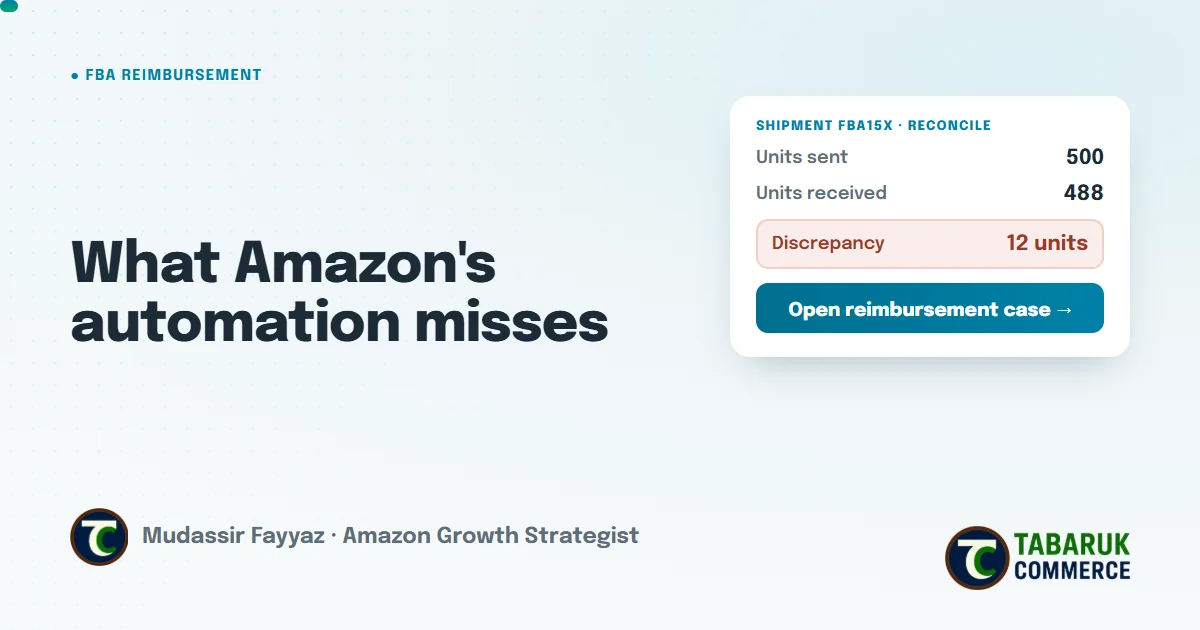
- Inbound shortfalls: you ship 500 units, Amazon records 488 as received.
- Warehouse lost or damaged: units go missing or get damaged inside a fulfillment center.
- Customer returns: a customer is refunded, but the item never makes it back to Amazon, or comes back in a condition that isn’t the customer’s fault.
- Removal orders: units you asked Amazon to send back to you get lost on the way.
What Amazon reimburses automatically, and what it doesn’t
From November 1, 2024, Amazon began proactively reimbursing FBA units lost in its fulfillment centers, and said that nearly all warehouse loss, warehouse damage and customer return claims would now be settled without you filing anything.
That still leaves gaps you have to watch yourself:
- Inbound shipment discrepancies, where the count Amazon receives doesn’t match what you sent.
- Removal orders, which Amazon has said still need to be claimed manually.
- Valuation, when a reimbursement is paid but at a lower amount than your real unit cost.
- Anything automation misses, because no system catches every edge case.
Amazon’s automation shortens the time between a warehouse loss and a payout. For everything else, your records are the signal.
The deadlines that matter
In October 2024, Amazon shortened the windows for filing manual claims. According to Amazon’s announcement:
- Lost or damaged in a fulfillment center: within 60 days of the item being reported lost or damaged.
- Customer returns: between 60 and 120 days after the customer’s refund or replacement.
- Removal orders lost in transit: between 15 and 75 days after the removal shipment is created.
- Other removal issues: within 60 days of the removal being delivered to you.
Inbound shipment discrepancies also have a short window, tied to when your shipment is delivered and received. Amazon can take time to finish receiving, so the practical rule is simple: reconcile each shipment as soon as receiving is complete, and never leave it to “later”.
Always check the current window in Seller Central before you file, because Amazon updates these policies.
Why your manufacturing cost matters
Since March 2025, Amazon has paid for lost and damaged units based on what the product cost you to make or buy, not what it sells for. If Amazon doesn’t have your real cost, it uses its own estimate, which may not match what you actually paid.
Keep your unit costs updated in Seller Central for every SKU, and keep the supplier invoices that back them up. It’s a five-minute task that decides how much every future reimbursement is worth.
How small gaps add up
Here’s a clearly hypothetical example to show why this is worth a routine. Replace the numbers with your own.
Hypothetical example
A brand sends 20,000 units to FBA over a year. If just 1% end up short-received or lost without being reimbursed, that’s 200 units. At a manufacturing cost of $8 per unit, that’s $1,600 a year left on the table, before counting the sales those units would have made.
No single shipment looks like a problem. The loss only shows up when you add them together.
Our reimbursement routine: 4 habits
This is the routine we run for client accounts. None of it is complicated. The value is in doing it consistently.
1. Keep a shipment record file
For every inbound shipment, save the same set of documents in one place, labeled by shipment ID:
- the packing list with units per SKU and per carton
- carton count, weights and box contents
- the carrier’s proof of delivery or tracking record
- the supplier or manufacturer invoice for the units
When a discrepancy comes up, this file is your case. Without it, you’re relying on Amazon’s count alone.
2. Reconcile every inbound shipment
Once Amazon finishes receiving a shipment, compare units sent against units received for every SKU. If there’s a gap, check your packing list first to rule out an error on your side. If your records support the shipped quantity, raise the discrepancy for that shipment in Seller Central while it’s still within the window.
3. Review reimbursements and inventory adjustments on a schedule
Set a fixed rhythm, weekly for high-volume accounts and at least every couple of weeks for smaller ones, to review your reimbursement report and inventory adjustments. Look for units marked lost or damaged without a matching reimbursement, reimbursements for fewer units than were lost, and reversals where Amazon took a reimbursement back after finding units. A monthly check can miss a 60-day window if the issue started early in the month before.
4. Keep your manufacturing cost updated
Whenever a supplier price changes, update the unit cost in Seller Central. An out-of-date cost quietly shrinks every reimbursement you receive.
How to open a reimbursement case
- Confirm the issue. Check your records and Amazon’s reports to make sure the units are genuinely missing or damaged, not just still in receiving or already reimbursed.
- Check the window. Make sure the claim is still eligible before you spend time on it.
- Gather your evidence. Shipment ID, SKU or FNSKU, quantities sent and received, packing list, proof of delivery and invoice.
- File one issue per case. Keep each case focused on a single shipment or event, with the exact numbers and documents attached.
- Follow up. Track every open case, respond quickly if Amazon asks for more information, and reopen with better evidence if a claim is denied incorrectly.
Should you use a reimbursement service?
Reimbursement services and tools can save time, especially for large catalogs. If you use one, make sure it’s transparent about what it files and what it charges. Either way, the four habits above still matter, because no tool can claim a discrepancy you can’t prove.
FBA reimbursement FAQs
What is an FBA reimbursement?
It’s the payment Amazon makes when inventory you sent to Fulfillment by Amazon is lost or damaged while in Amazon’s care, or in certain customer return situations.
Does Amazon automatically reimburse lost inventory?
For most units lost or damaged inside its fulfillment centers, yes, since November 2024. Inbound shipment discrepancies and removal orders still generally need a manual claim.
How long do I have to file an FBA reimbursement claim?
Most manual claims have to be filed within about 60 days, with specific windows for customer returns and removal orders. Check the current window in Seller Central before filing.
How much does Amazon reimburse for lost inventory?
Since March 2025, Amazon pays lost and damaged claims at what the unit cost you to produce or source, not its selling price.
What documents do I need for a shipment discrepancy claim?
Your packing list, carton details, the carrier’s proof of delivery and the supplier invoice for the units.
What is an FBA reimbursement reversal?
If Amazon reimburses you for units and later finds them, it can reverse the reimbursement and return the units to your inventory. That’s why it’s worth reviewing reimbursements and adjustments together.
Want someone to watch your inventory for you?
Reconciling shipments and tracking reimbursements is part of our inventory and supply chain strategy work. If you’d like to know whether your account has unclaimed inventory or unreconciled shipments, request a free Amazon account audit.

Mudassir Fayyaz is the founder of Tabaruk Commerce and an Amazon growth strategist. He manages 1P and 3P Amazon accounts across the US, Canada, UK, Germany, UAE, and Australia, with a focus on turning ad spend into net profit. Connect on LinkedIn.